
Preserving History Without Degrading Authenticity
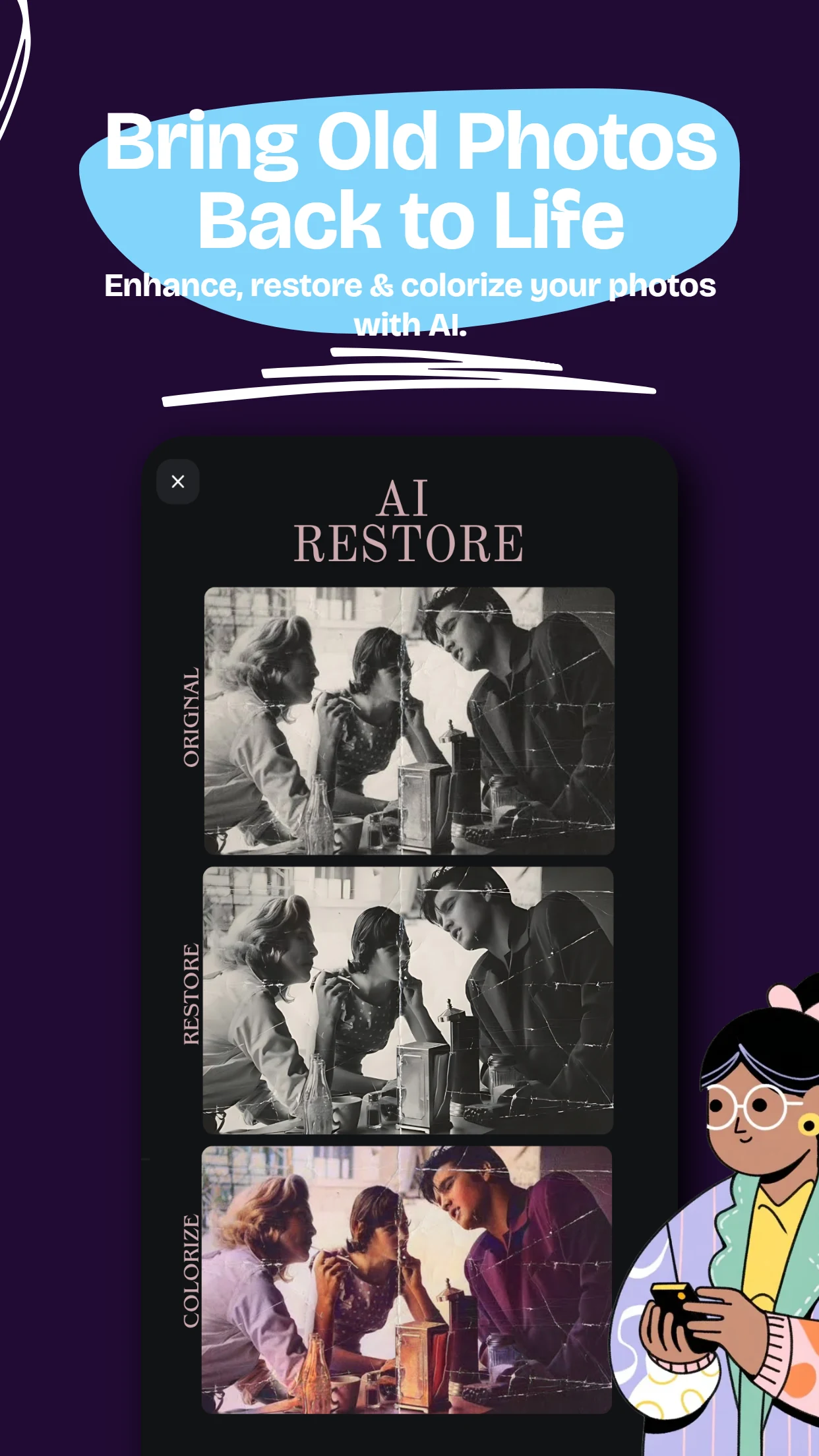
Old family photographs printed decades ago often suffer from physical creasing, paper tears, fading dyes, and motion blur. Traditional Photoshop restoration requires hours of manual clone-stamping and brushwork. PixCraft solves this in one tap.
How PixCraft AI Restoration Works
PixCraft utilizes a multi-stage neural network:
- Scratch & Tear Inpainting: Detects physical paper flaws and fills them based on surrounding textural patterns.
- Face De-Blur & Super-Resolution: Synthesizes authentic eye and skin textures to replace blurry artifacts.
- Historical Colorization: Evaluates clothing fabric, sky tones, and foliage to reconstruct accurate vintage color palettes.
Privacy First: Your cherished historical photographs are processed securely and are never shared or used to train third-party public models.
Best Practices for Scanning Old Photos
If you don't own a flatbed scanner, use PixCraft's built-in camera document mode in bright daylight to capture a glare-free photo of the old print before tapping AI Restore.