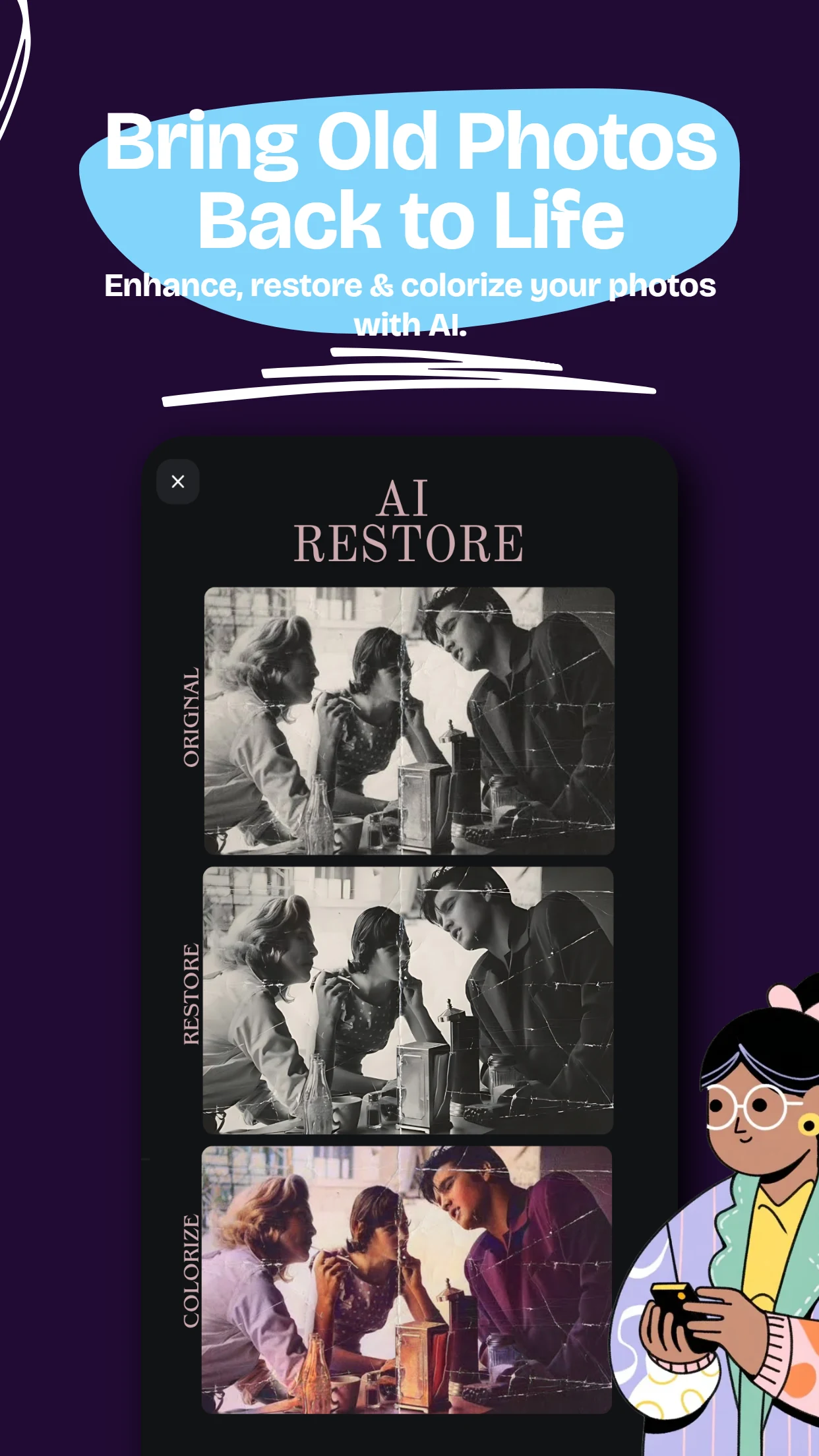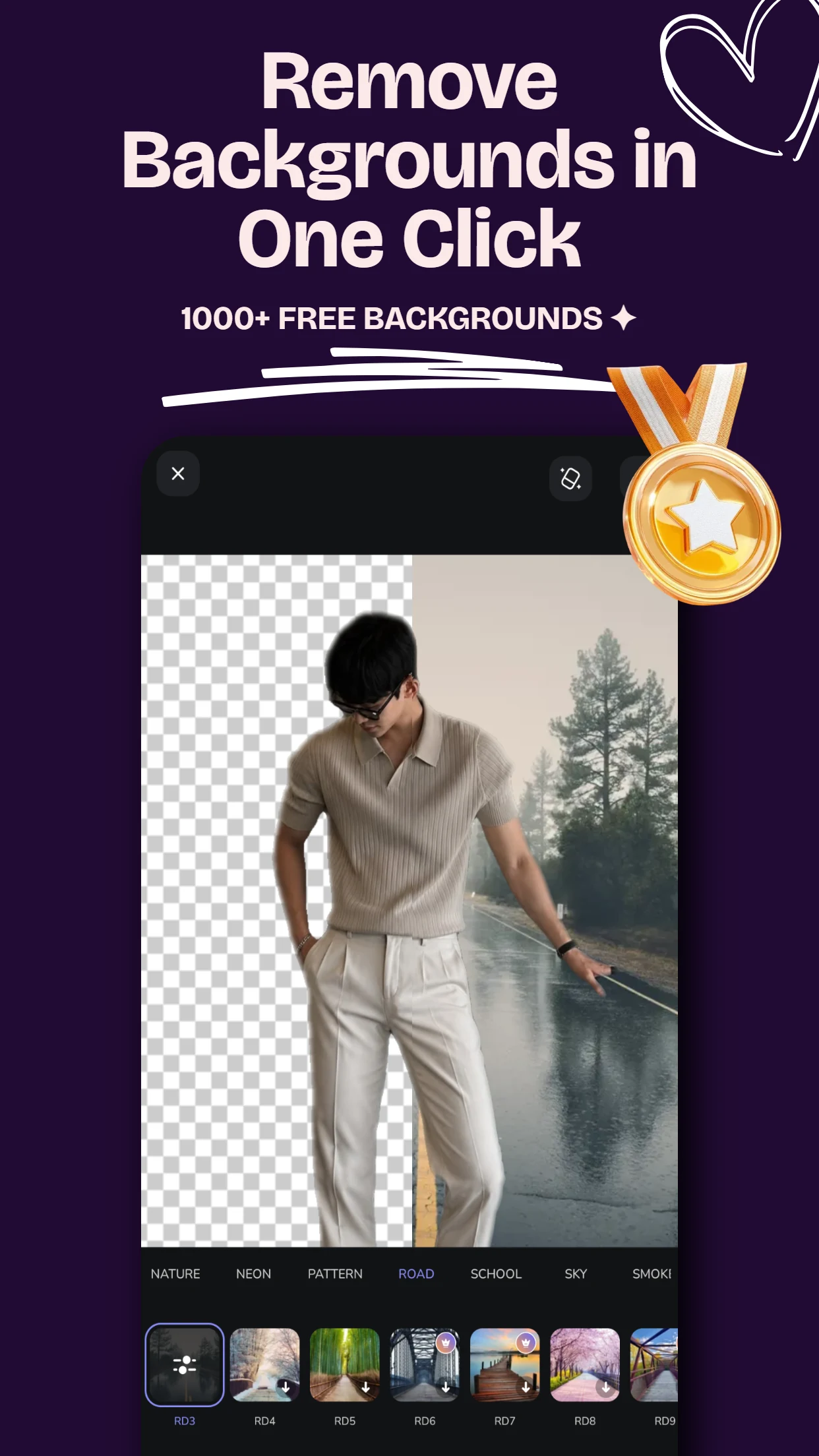
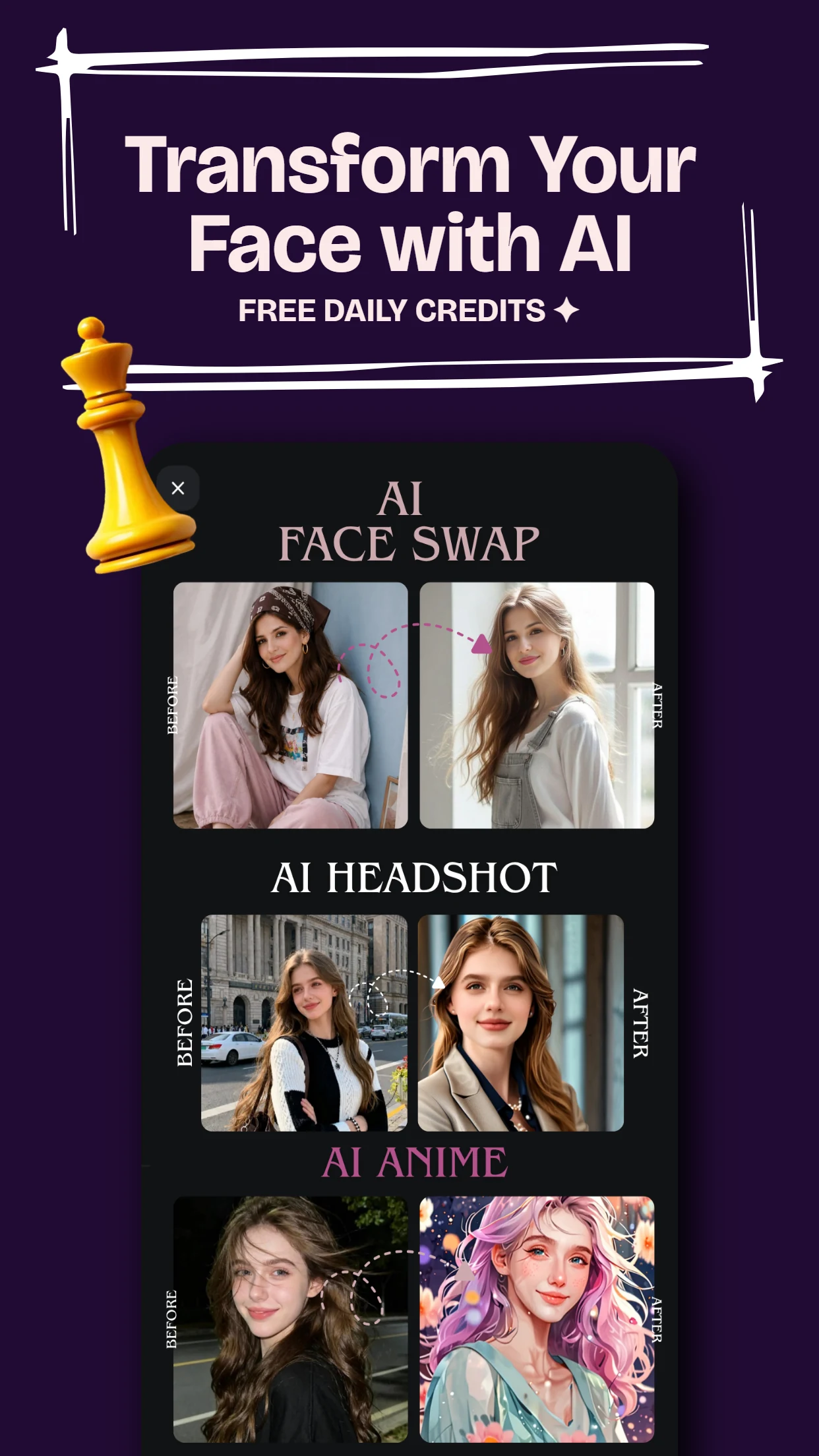
The Rise of AI Executive Portraits
Gone are the days when you needed to spend $200+ on studio photography, lighting rigs, and professional retouchers just to get a clean headshot for LinkedIn, your company website, or portfolio. With PixCraft on Android, you can generate studio-grade portraits in under 30 seconds.
Step 1: Choose the Right Source Photo
For the best AI facial alignment and lighting consistency:
- Select a clear, well-lit selfie without heavy shadows across your face.
- Ensure your face is unobstructed by heavy sunglasses or face masks.
- Neutral or gentle smiling expressions work best for professional corporate headshots.
Pro Tip: PixCraft's on-device pre-processing automatically balances exposure and facial landmarks before sending requests to the AI studio engine.
Step 2: Selecting Your Headshot Style
Inside PixCraft's AI Creative Studio, tap on AI Headshot. You can choose from multiple curated aesthetic profiles:
- Corporate Slate: Subtle dark/grey studio backdrop with soft rim lighting.
- Modern Tech Office: Warm architectural interior with natural bokeh.
- Outdoor Executive: Soft golden-hour daylight in an urban skyline setting.
Step 3: Fine-Tuning & Exporting
Once generated, you can use PixCraft's built-in manual tools to tweak HSL, sharpen fine details, or apply selective skin smoothing before exporting in uncompressed high-resolution PNG.